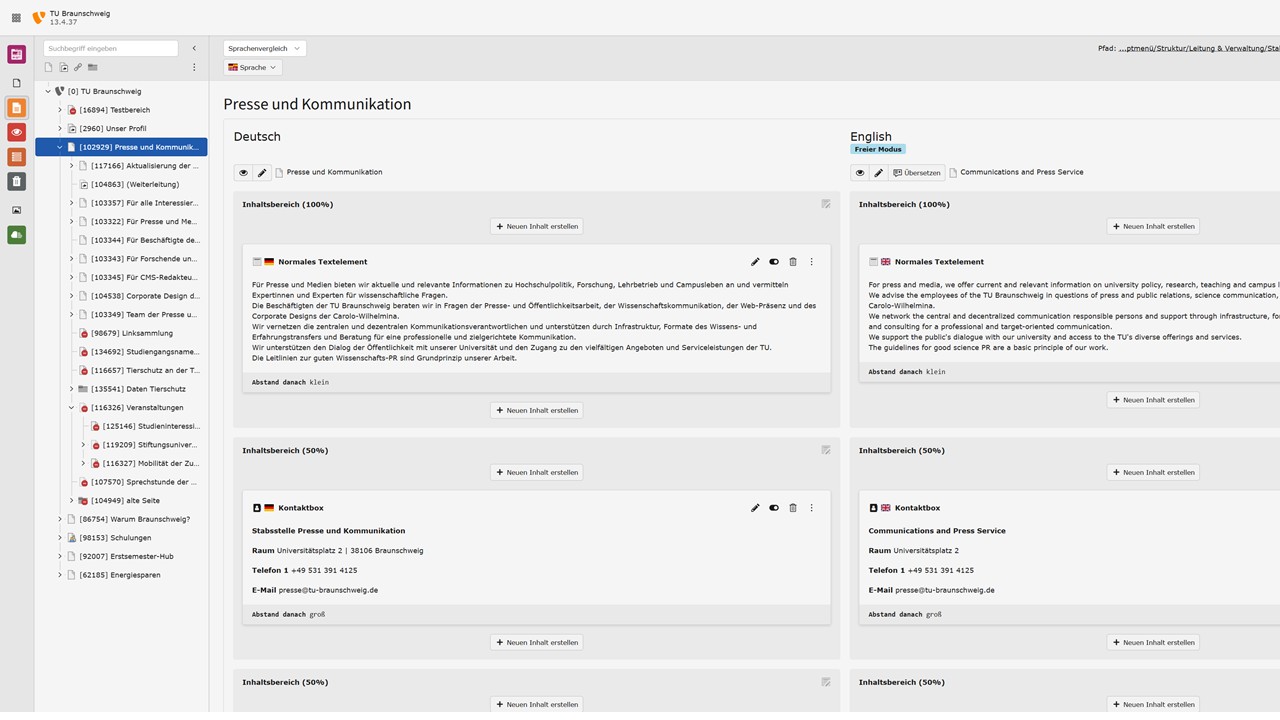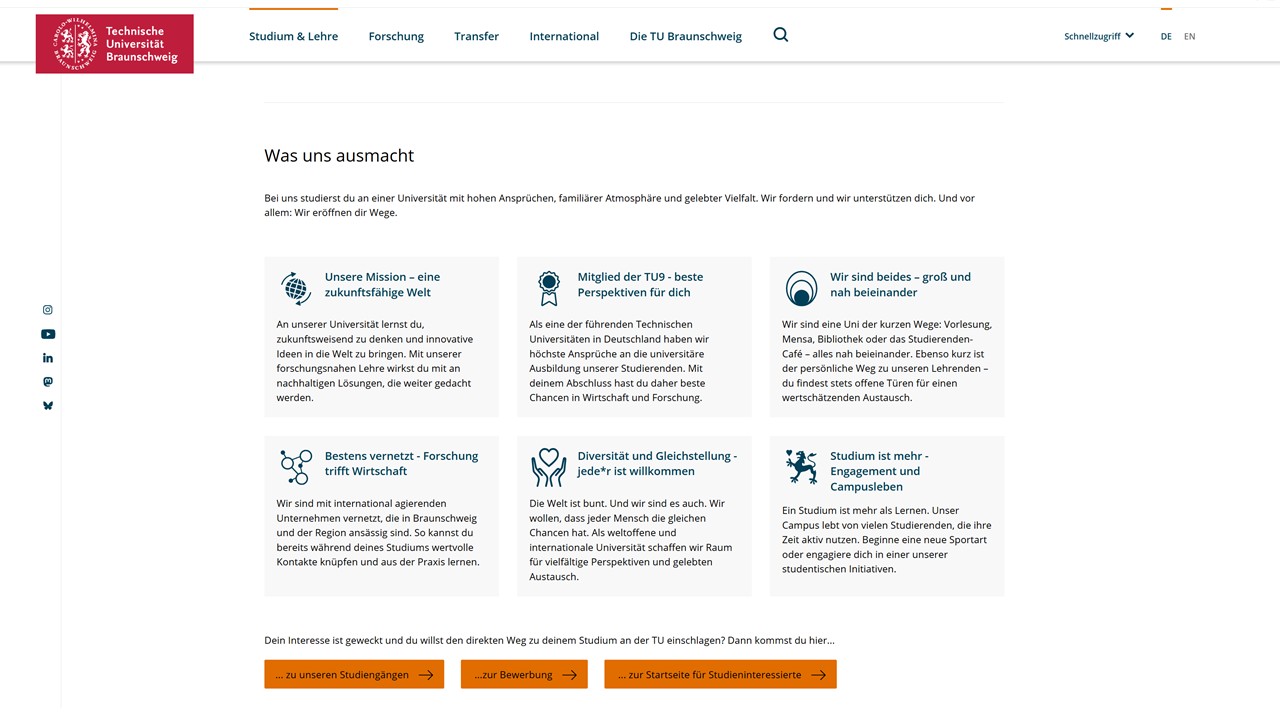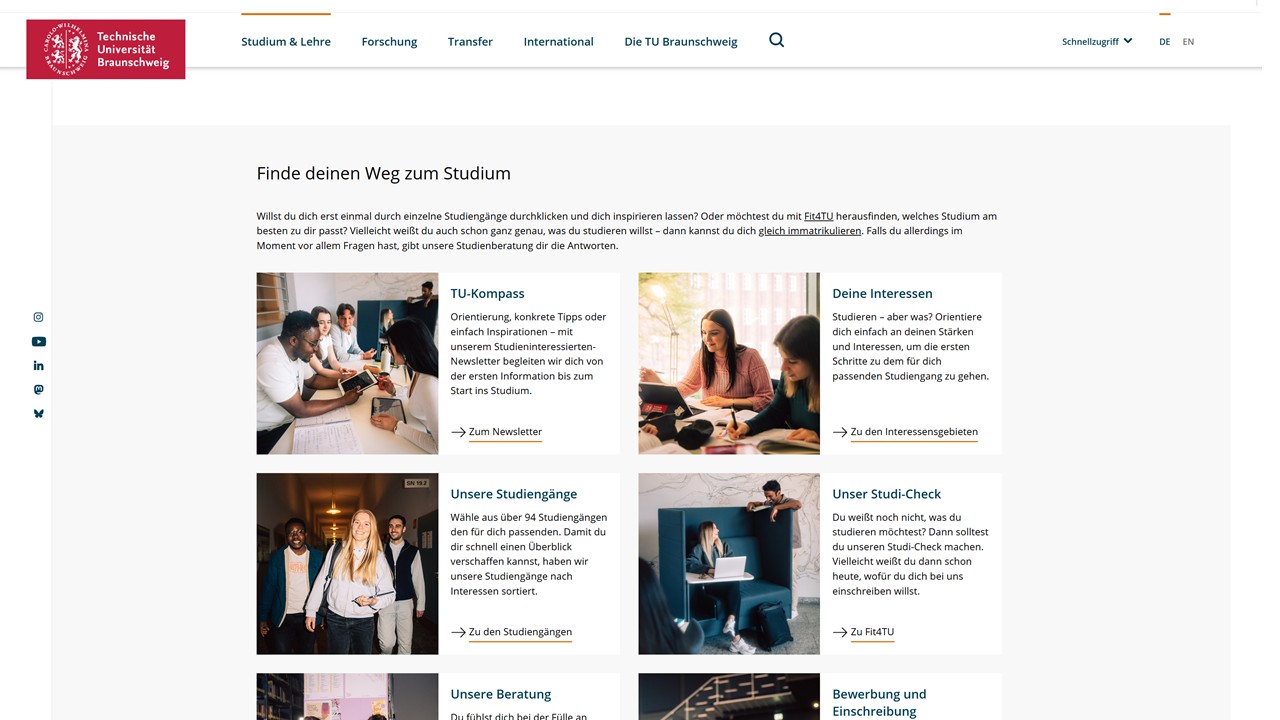
As part of this update, the TYPO3 system will be given a stronger technical foundation. The backend interface will feature a more modern look as well as practical improvements that will make your day-to-day work easier. In addition, with this update we will roll out new content elements that were previously only available on a few central pages.
However, the familiar content elements, as well as the creation and maintenance of content, remain essentially the same, and you should quickly find your way around the modernized TYPO3.
Changes for Editors
- Modernized backend, also available in “dark mode”: The backend features a newer, lighter design. Depending on your personal preferences, you can now also choose a dark theme. This allows you to customize the work environment to your personal preferences.
- Improved page tree, easier content movement: Navigation within the page structure has been redesigned. Content elements can now be easily moved between pages using drag-and-drop.
- Improved backend search: In the future, there will be a global search across pages, content, records, and modules in the backend. The colored page highlighting in the page tree helps you find content more easily.
- New keyboard shortcuts: Frequent tasks can now be completed even faster using the keyboard. For example, you can save edited content with [CTRL] + [S] or save changes with [SHIFT] + [CTRL] + [S].
- Changes to existing content elements: The Timeline element can now be used without date specifications. The integration of videos from external sources such as YouTube has been updated. The technical foundation for the image gallery has been updated and now operates more reliably.
- New content elements for remote editors (documentation to follow):
- Spotlight (text-image combination on a colored background)
- Image Teaser (similar to the Teaser elements)
- Testimonial Slider (slider for testimonials with arrow navigation)
- USP Element (display of unique selling points with an icon and text)
Changes to the Editor Management Workflow
Due to changes in technical requirements, the familiar editor management system can no longer be used in the new TYPO3 version. Unfortunately, you will not be able to manage new editors for your websites yourself in the near future.
For the time being, please submit requests for changes to editor permissions to the IT Service Desk at it-service-desk(at)tu-braunschweig.de. The permissions will then be adjusted centrally on your behalf. Requests for editor permissions may be submitted by department heads and IT coordinators. Please provide the IT Service Desk with the following information:
- the TUBS ID(s) of the person(s) who are to receive editor permissions
- the URL (site section) for which these permissions are being requested.
In the mid-term, the TYPO3 system will be integrated into the central IAM (Identity Asset Management) system. Once this is in place, permissions can again be adjusted on a decentralized basis by IT coordinators or department heads. As plans for the integration with the IAM system become more concrete, we will keep you informed here, via the mailing list, and through other channels.
The “Set up news system” permission, which until now was only available to CMS coordinators, will be enabled for all editors.
Technical Updates
The underlying software (the TYPO3 core) and the system architecture have undergone extensive development, including improvements in security, maintainability, and technical foundations. These changes largely take place in the background and enable modern, stable, and future-proof operation.
A real plus in the new TYPO3 version is support for the modern WebP image format. It results in significantly smaller image files while maintaining the same high quality, thereby improving the website’s loading times. You do not need to download and convert your existing images—this happens automatically. Thanks to the new standard, editors now also have the option to upload WebP files directly.
Note on Documentation
Since the backend view for editors is changing, our TYPO3 documentation will be adjusted after this update. These gradual adjustments can only begin after the update and will take some time. We therefore kindly ask for your patience if some screenshots or steps in the documentation are out of date during this transition period.