
Dear first-year student,
welcome to the Faculty of Electrical Engineering, Information Technology and Physics (EITP) at TU Braunschweig. It's great to have you here! You will find all the important information for a relaxed start to the semester on this page. Check back here every now.
Your team at the Faculty of Electrical Engineering, Information Technology, Physics
Your Deans of Studies and your student subject groups extend a warm welcome to you! If you have any questions regarding the start of the semester, please contact the student council or your programme coordinator at sgk-eitp(at)tu-braunschweig.de.
Information about the welcome events for Bachelor’s and Master’s students in each subject will be announced here in due course. If you would like to find out more about what was on offer last semester, you can find further information here.
Master’s programmes EIT und WiING ET (except for specialisation Microelectronics Engineering)
Tuesday, 20 October 2026, 8:00 a.m., Hans-Sommer-Straße 66, HS 66.1 (first floor)
Information for specialisation Microelectronics Engineering:
Wednesday, 21 October 2026, 3:00 p.m., LENA, Langer Kamp 6a, Room 003
Master’s programme ElSy
Tuesday, 20 October 2026, 9:30 a.m., Haus der Elektrotechnik, Hans-Sommer-Straße 66, Room 712, Institut für Regelungstechnik (floor 7)
Master’s programme QTEC
Wednesday, 21 October 2026, 1:30–2:30 p.m., LENA, Langer Kamp 6a, Room 003
Master’s programme Physik
Wednesday, 21 October 2026, 2:15 p.m., Physics Centre, Mendelssohnstraße 2–3, MS 3.3
Master’s programme SSP
Wednesday, 4 November 2026, 9:45 a.m., Physics Centre, Mendelssohnstraße 2–3, MS 3.415

Each department offers special programmes to help you settle in at our faculty and at TU Braunschweig. Further information on the so-called Orientation Week (O-Week) can be found here:
Bachelor's and Master's degree programmes EIT
Bachelor's and Master's degree programmes in Physics

The International House offers important information and exciting orientation formats for studying at TU Braunschweig.
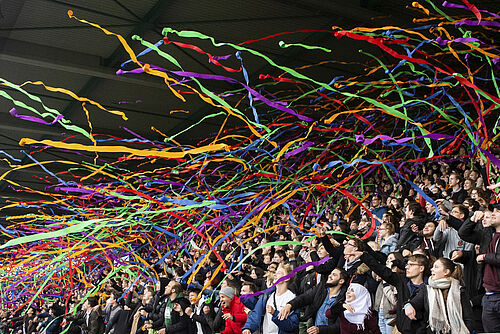
Here you will find information about the central welcome event for all students at TU Braunschweig, as well as interdisciplinary information about the start of the semester. This information is updated regularly.

The EITP Student Council invites all new Bachelor’s and Master’s students to a relaxed breakfast in the foyer of the House of Electrical Engineering (E-Tower) on Thursday, 22nd October 2026, from 9.30 am to 11.30 am. Make the most of this opportunity to get to know your fellow students in a relaxed atmosphere and start the day on the right foot!